
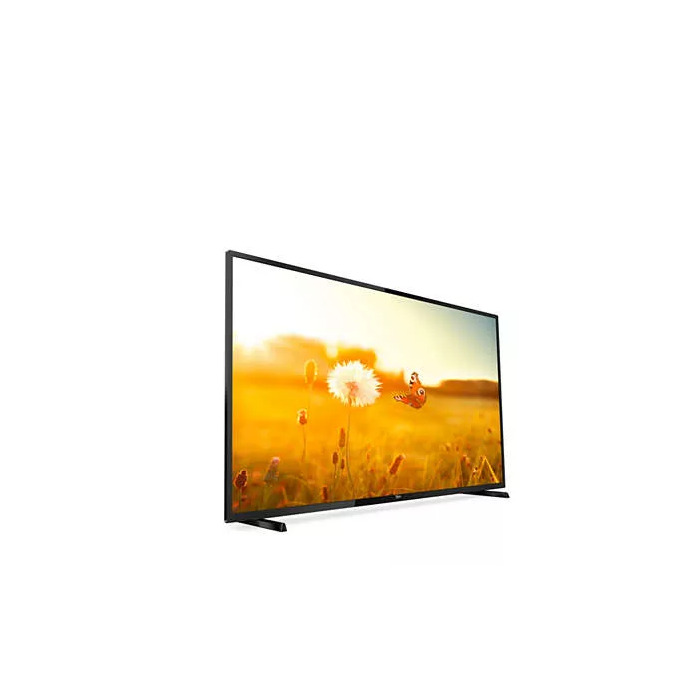
Description
The Philips EasySuite 43HFL3014/12 is a 43″ Full HD LED professional TV with a 1920 x 1080 resolution and Direct-LED backlighting. Designed for volume deployment in hospitality and commercial environments, this standalone display offers straightforward installation and central management through the CMND platform. The set has a brightness of 250 cd/m², supports DVB-C/T/T2 digital signals and includes a built-in pay-to-view solution and USB multimedia playback.
Advantages
The CMND solution simplifies deployment and ongoing management of multiple displays from a central location. CMND&Control enables remote configuration and software updates without physical access to each room. Integrated MyChoice pay-to-view lets operators offer paid channels or selected premium content via code or card. USB cloning copies full programming and channel settings from one TV to others in under a minute to ensure uniform configuration. A mixed channel map merges analogue and digital channels into one list for seamless switching, and USB auto playback supports photos, videos and music from attached USB devices.
Suitable for
- Hotels and guest rooms
- Hospitality common areas
- Small commercial installations in bars or waiting areas
- Multiplex deployments requiring central management
Key specifications
- Model: Philips EasySuite 43HFL3014/12
- Screen size: 43″ (108 cm)
- Resolution: Full HD 1920 x 1080
- Display technology: LED (Direct-LED)
- Brightness: 250 cd/m²
- Digital tuners: DVB-C, DVB-T, DVB-T2
- Built-in pay-to-view: MyChoice (code or card access)
- Management: CMND & CMND&Control (remote configuration)
- USB features: Instant initial USB cloning; USB auto playback
- Color: Black
- Energy class (SDR): D — 34 kWh/1000 h
How to use
Install the Philips EasySuite 43″ on a stable mount or stand and connect it to mains power. Use the onboard tuner inputs to configure channels (DVB-C/T/T2) and program the initial channel list. For faster rollout, copy an existing TV configuration to others using the instant USB cloning feature: export settings to a USB device from the master TV and import them on target sets. Use CMND and CMND&Control to perform remote configuration, software updates and centralized management. To offer pay-per-view, enable MyChoice and set access codes or cards per property procedures. Plug a USB storage device into the side port to play photos, videos or music via the on-screen content browser.
Usage recommendations
For hotel and multiroom deployments, prepare a master TV configuration (channel map, UI branding and MyChoice settings) and distribute it via USB cloning or CMND to ensure consistent guest experience and reduce installation time.
There are no reviews yet.