
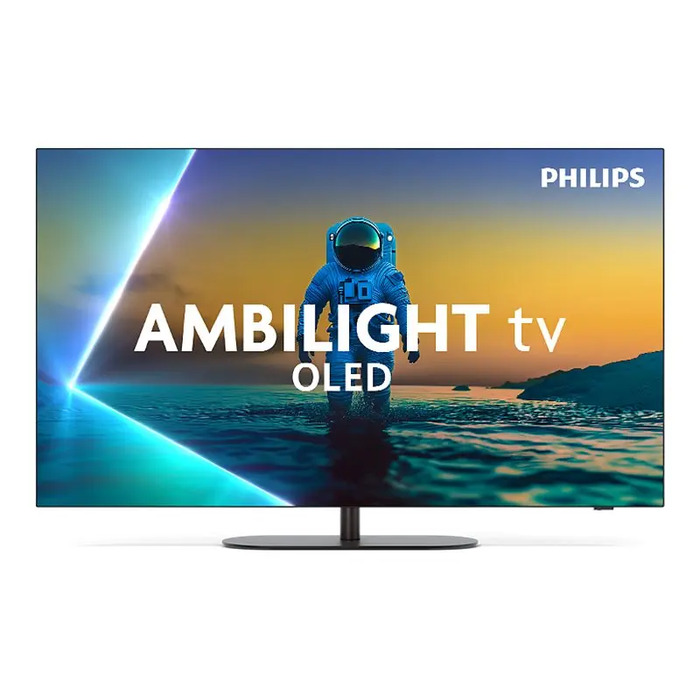
Description
The Philips 48OLED820/12 is a 48″ OLED television with 4K resolution designed for home entertainment. It delivers deep blacks and vivid colors through OLED technology, includes HDR support for improved contrast and detail, and features Ambilight to extend on-screen colors onto the surrounding wall. The TV runs on the Android TV platform and combines a slim modern design with built-in audio and a two-year warranty.
Advantages
This Philips 48″ OLED TV offers true black levels and wide viewing angles typical of OLED panels, native 4K resolution for sharp images, and HDR compatibility to reproduce increased contrast and detail. Ambilight creates a more immersive viewing environment. The set includes an integrated rechargeable battery classification and complies with WEEE rules, and it is backed by a 24‑month producer warranty.
Suitable for
- Living rooms and home theaters
- Streaming 4K HDR movies and series
- Gaming on next‑generation consoles with high‑quality visuals
- Watching sports and fast‑action content
Key specifications
- Screen size: 48″ OLED
- Resolution: 4K
- HDR support: Yes
- Smart platform: Android TV
- Brand: Philips, MPN: 48OLED820/12, EAN: 8718863046616
- Energy efficiency class: G
- Net weight: 17.40 kg; Gross weight: 20.80 kg
- Package dimensions (W×D×H): 1214 × 150 × 800 mm; Volume: 0.15 m³
- Packed quantity per pallet: 12 pcs
- Embedded battery: Yes (battery classified and composed per shipment data)
- WEEE tax and classification: applicable
- Warranty: 24 months
How to use
Place the TV on a stable stand or mount it on a compatible wall bracket following the manufacturer’s instructions. Connect power and any external devices (set‑top boxes, game consoles, sound systems) using the available HDMI and other ports. Complete the Android TV setup to sign in to your Google account, install streaming apps, and adjust picture and sound settings including Ambilight intensity for preferred ambience. Follow safety and battery handling guidance supplied with the product.
Usage recommendations
For optimal image quality, use HDR‑enabled content and set the picture mode recommended for OLED panels; allow adequate ventilation around the TV and avoid prolonged static images to reduce the risk of image retention.
There are no reviews yet.