
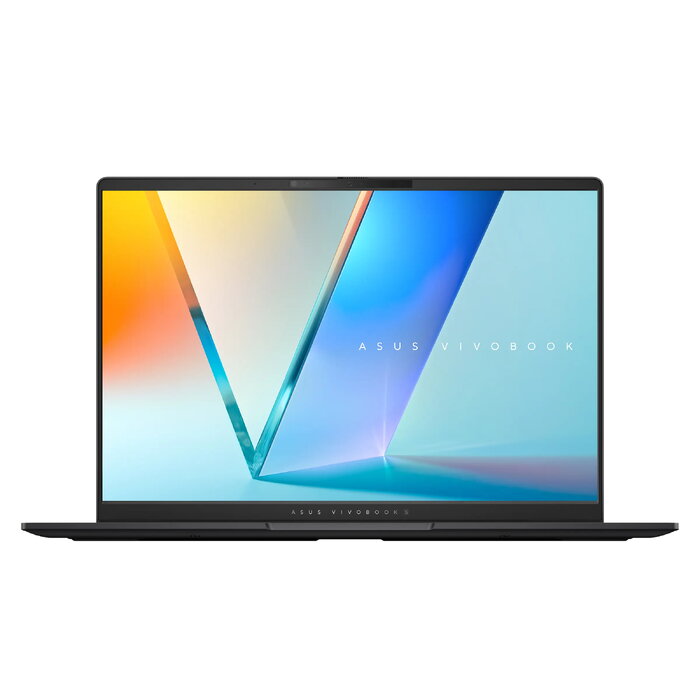
Description
The ASUS Vivobook S 14 OLED S5406SA-WH79 is a slim 14″ laptop designed for portability and daily productivity. It is powered by an Intel Core Ultra 7 258V processor, equipped with 32 GB LPDDR5x memory and a 1 TB SSD, and features a 14″ WUXGA (1920 x 1200) OLED display with Intel Arc graphics. Weighing around 1.3 kg and running Windows 11 Home, the device combines long battery life and a compact chassis for work and multimedia use.
Advantages
The laptop offers strong multitasking performance thanks to the Intel Core Ultra 7 CPU and 32 GB of LPDDR5x RAM. The 1 TB SSD provides fast storage and quick system responsiveness. A bright 14″ 3K-capable OLED panel delivers vivid visuals and high contrast for media and creative tasks, while Intel Arc graphics enhance visual performance. The unit is lightweight (approximately 1.3 kg) and provides extended battery life, making it convenient for mobile use. Additional features include a dedicated Copilot key, RGB-backlit keyboard, large touchpad and an ASUS AiSense camera.
Suitable for
- Everyday office work and multitasking
- Content consumption and streaming
- Light creative work and photo editing
- Frequent travel and mobile use
Key specifications
- Model: ASUS Vivobook S 14 OLED S5406SA-WH79
- Display: 14″ WUXGA (1920 x 1200) OLED, 16:10
- Processor: Intel Core Ultra 7 258V (8 cores, 12 MB cache)
- Memory: 32 GB LPDDR5x-SDRAM
- Storage: 1 TB SSD
- Graphics: Intel Arc Graphics 140V
- Operating system: Windows 11 Home 64-bit
- Wireless: Wi-Fi 7 (802.11be), Bluetooth 5.4
- Battery: 75 Wh, charger 65 W
- Weight: ~1.3 kg
- Color: Black
How to use
Unbox the laptop and connect the charger for initial charging. Power on and follow the Windows 11 setup prompts to create or sign in with your Microsoft account. Use the Copilot key to access AI features where available. Adjust display brightness and power settings in Windows according to your preference to balance battery life and visual quality. Install required applications from trusted sources and keep the system updated via Windows Update and ASUS drivers.
Usage recommendations
For optimal performance, ensure Windows and graphics drivers are up to date, avoid running heavy background tasks when on battery power, and charge the battery regularly. Use a protective case during transport to prevent damage to the OLED screen.
There are no reviews yet.