
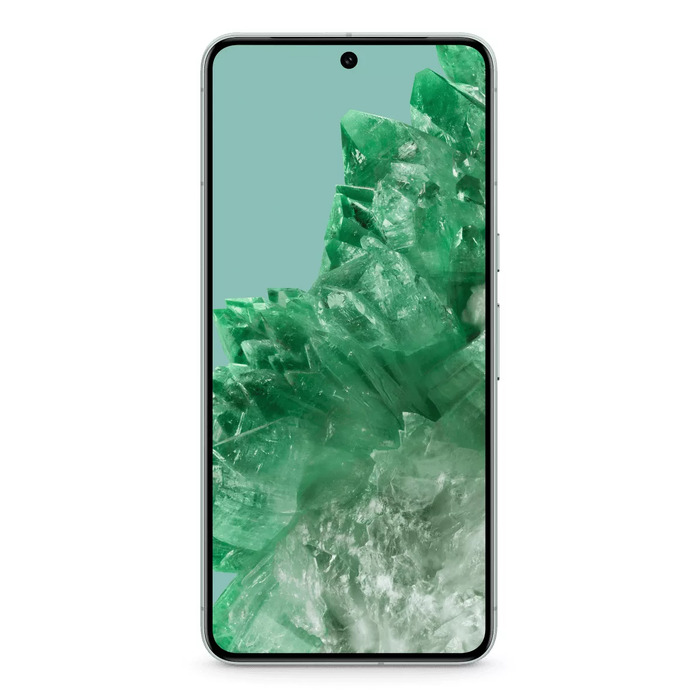
Description
The Google Pixel 8 Pro pairs the custom Google Tensor G3 chip with advanced camera hardware and AI features to deliver fast performance, improved photography and intelligent daily assistance. The device includes a 50 MP main camera with ƒ/1.65 aperture, a 48 MP ultrawide camera with enhanced Macro Focus, a 48 MP telephoto camera with 5x optical zoom and Super Res Zoom up to 30x, plus a 10.5 MP front ultrawide camera with autofocus and a 95°+ field of view. Built-in Google AI enables higher-quality photos and videos, advanced editing and on-device tools for translation, call screening and voice control.
Advantages
Pixel 8 Pro combines a purpose-built Tensor G3 processor and Titan M2 security to balance speed, efficiency and data protection. The upgraded multi-camera system captures detailed low-light photos and high-quality zoomed images, while AI-driven features like Night Sight, Astrophotography, Video Boost, Magic Editor and Audio Magic Eraser improve image and audio quality. Real-time Live Translate, enhanced Call Screen and hands-free voice input increase daily convenience. The phone also offers proactive crisis alerts and object temperature readings for added safety and utility.
Key specifications
- Processor: Google Tensor G3
- Main camera: 50 MP, ƒ/1.65 aperture, improved low-light performance, 2x optical-quality zoom
- Ultrawide camera: 48 MP, enhanced Macro Focus, wide field for astrophotography
- Telephoto camera: 48 MP, 5x optical zoom, up to 30x with Super Res Zoom
- Front camera: 10.5 MP ultrawide with autofocus and ~95°+ field of view
- Video: Night Sight Video, Video Boost with color, stabilization and noise reduction
- AI features: Magic Editor, Best Take, Audio Magic Eraser, Live Translate
- Security: Titan M2 chip and multiple security layers
- Additional: object temperature readings via phone scan
How to use
Use the Camera app to select modes such as Photo, Night Sight, Astrophotography or Telephoto; enable Pro controls to adjust shutter speed and ISO for advanced shots. Open Google Photos to access Magic Editor for studio-style edits, Best Take to combine group photos and Audio Magic Eraser to reduce unwanted sounds in videos. For translations and conversations, start Live Translate in the Settings or from supported apps to interpret speech and text in real time. Activate Call Screen through the Phone app to screen suspected spam calls, and say “Hey Google” to use voice commands for messaging, navigation and device control.
Recommendations
For best low-light and astrophotography results, use Night Sight or Astrophotography mode on a stable surface or tripod and enable Pro controls when needed. Keep software up to date to receive the latest AI features and security improvements, and enable Call Screen and Live Translate in settings to maximize the phone’s safety and communication tools.
There are no reviews yet.