
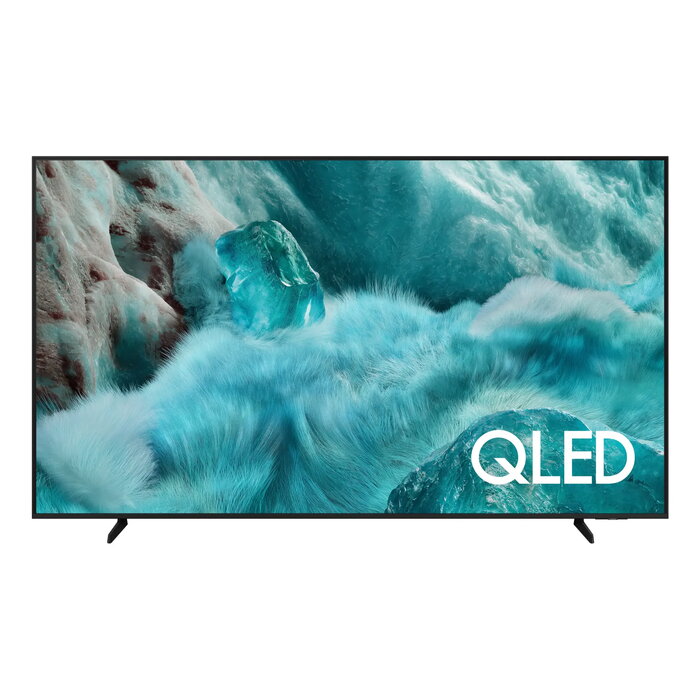
Description
The Samsung Q7F QE85Q7FAAU is an 85-inch 4K Ultra HD QLED Smart TV with a 3840 x 2160 pixel resolution. It uses QLED display technology and runs on the Tizen operating system. The set offers built-in Wi‑Fi and Ethernet LAN connectivity, supports DVB‑T and DVB‑T2 digital broadcasting formats, and features Motion Xcelerator for improved motion clarity. The TV has a black finish and a flat 16:9 screen suitable for living rooms and home theaters.
Advantages
QLED panel delivers wide color gamut and high brightness for vivid images. 4K Ultra HD resolution provides detailed picture quality at large screen sizes. Motion Xcelerator reduces motion blur during fast-moving scenes. Smart TV functions via Tizen provide access to streaming apps and network features. Built-in Wi‑Fi enables wireless connectivity and streaming without extra adapters.
Suitable for
- Living room home cinema and general TV viewing
- Watching sports and fast-action content
- Streaming apps and smart TV services
- Large-room setups where an 85-inch display is required
Key specifications
- Screen size: 85 inches (214 cm)
- Panel type: QLED
- Resolution: 3840 x 2160 (4K Ultra HD)
- Aspect ratio: 16:9, flat screen
- Operating system: Tizen
- Motion technology: Motion Xcelerator
- Connectivity: Wi‑Fi and Ethernet LAN
- Supported broadcast: DVB‑T, DVB‑T2
- Color: Black
- Approximate weight: 32.5 kg
- Energy class (SDR/HDR): G / G
- Energy consumption per 1000 h (SDR/HDR): 162 kWh / 279 kWh
How to use
Place the TV on a stable stand or mount it on a compatible wall bracket following the manufacturer’s mounting guidelines. Connect the TV to power and to your home network via Wi‑Fi or Ethernet. Use the on‑screen setup to select language, scan for digital channels (DVB‑T / DVB‑T2) and sign in to streaming services on the Tizen platform. Adjust picture mode and motion settings to your preference using the TV menu.
Usage recommendations
For best picture performance on an 85″ QLED display, position the viewing area at an appropriate distance (typically 1.5–2.5 times the screen diagonal) and enable motion or game modes when watching fast-action content. Keep firmware updated via the network to maintain Smart TV features and compatibility.
There are no reviews yet.